Video creator
You need a musical idea that matches a short film scene or visual sequence.
Use the free ai music generator from text page to explore a mood before you edit the final soundtrack.
free ai music generator from textText to song
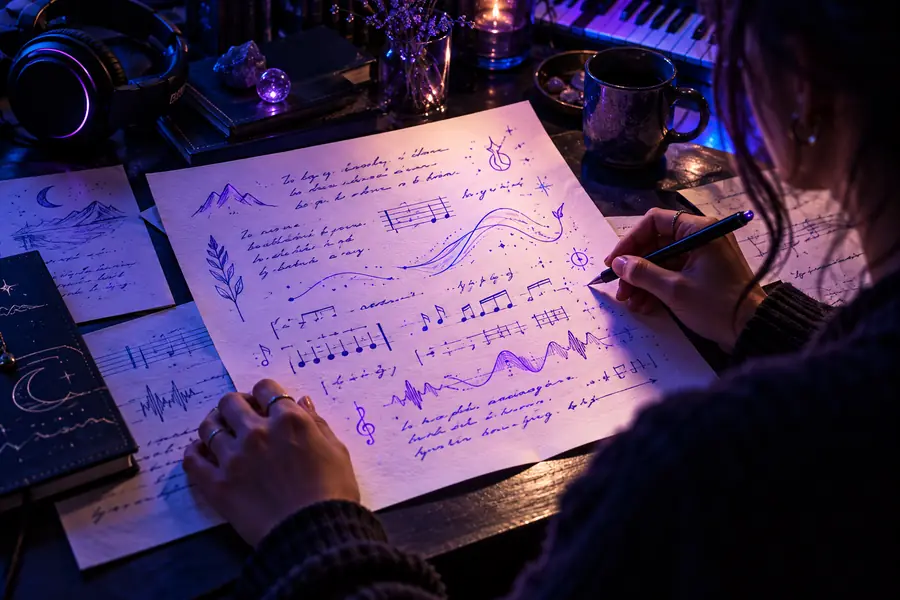
Describe a mood, scene, story, or musical direction and shape it into a song concept. Aisongs helps you move from words to a more focused creative starting point.
Text-to-song turns written direction into a musical starting point. The clearer your input, the easier it is to guide the mood, structure, and creative intent.
 Written direction
Song concept
Written direction
Song concept
Drag the divider to compare the starting input with a more developed song direction.
Written directionSong conceptA strong text prompt gives the generator useful creative constraints without requiring music notation or production software.
Starting material
Text input
A description, theme, lyric idea, or scene
Song output
A structured musical interpretation
Main control
Text input
Words, references, mood, and style cues
Song output
Arrangement, vocal direction, and musical character
Best for
Text input
Exploring an idea before production
Song output
Reviewing and refining a playable concept
User effort
Text input
Write a focused prompt
Song output
Listen, assess, and revise the direction
Creative strength
Text input
Specific intent and storytelling
Song output
Atmosphere, movement, and sonic contrast
Typical next step
Text input
Add detail or clarify the brief
Song output
Adjust the prompt and compare another result
Different creators begin with different kinds of written direction. These examples show how the same workflow can support planning, experimentation, and production briefs.
You need a musical idea that matches a short film scene or visual sequence.
Use the free ai music generator from text page to explore a mood before you edit the final soundtrack.
free ai music generator from textYou have a chorus theme or emotional premise but not a complete arrangement.
The ai music generator from text with vocals page explains how to add vocal direction to a written concept.
ai music generator from text with vocalsYou want to turn a lesson topic into a memorable musical prompt for a classroom activity.
Start with a concrete subject, audience, tone, and length so the resulting concept stays easy to discuss.
free ai music generator from textYou need several directions for a campaign, game scene, or branded atmosphere.
Compare prompts that change only one variable, such as genre, pace, setting, or emotional intensity.
ai music generator from text with vocalsThese example directions show how a short brief can establish a distinct musical world before you refine the result.
 Mood
Mood
 Atmosphere
 Style
Style
A practical text-to-song workflow keeps the first prompt focused, then uses revision to bring the result closer to your intent.
Name the subject, mood, genre, energy, and any scene or audience the song should serve.
Send the description through the tool and listen for the elements that already match your idea.
Keep what works, change one or two details, and compare the next result with your original brief.
Bring a scene, story, lyric fragment, or production brief to Aisongs and turn written direction into a focused song concept you can keep developing.
Generate a songIt interprets a written description and turns that direction into a song concept. Your prompt can describe a theme, mood, genre, scene, or other creative details.
Start with the subject and emotional tone, then add genre, energy, instruments, setting, or vocal direction if those details matter. Specific guidance usually gives you a clearer starting point than a single broad phrase.
Lyrics or lyric fragments can be useful source material, especially when you also explain the intended mood and style. Treat the first result as a creative draft that may need further refinement.
Identify the strongest and weakest parts of the first direction, then revise only a few prompt details at a time. Changing mood, tempo, genre, or instrumentation separately makes the differences easier to evaluate.