Aisongs

Vocal-led ideas

How to approach a free ai music generator with vocals

A free ai music generator with vocals sounds like a simple starting point, but the important questions are what kind of voice you need, whether the output is usable, and what access terms apply. Aisongs helps you plan the sound and visuals for a vocal-led video without assuming every tool can produce a finished song.

Check available features and terms
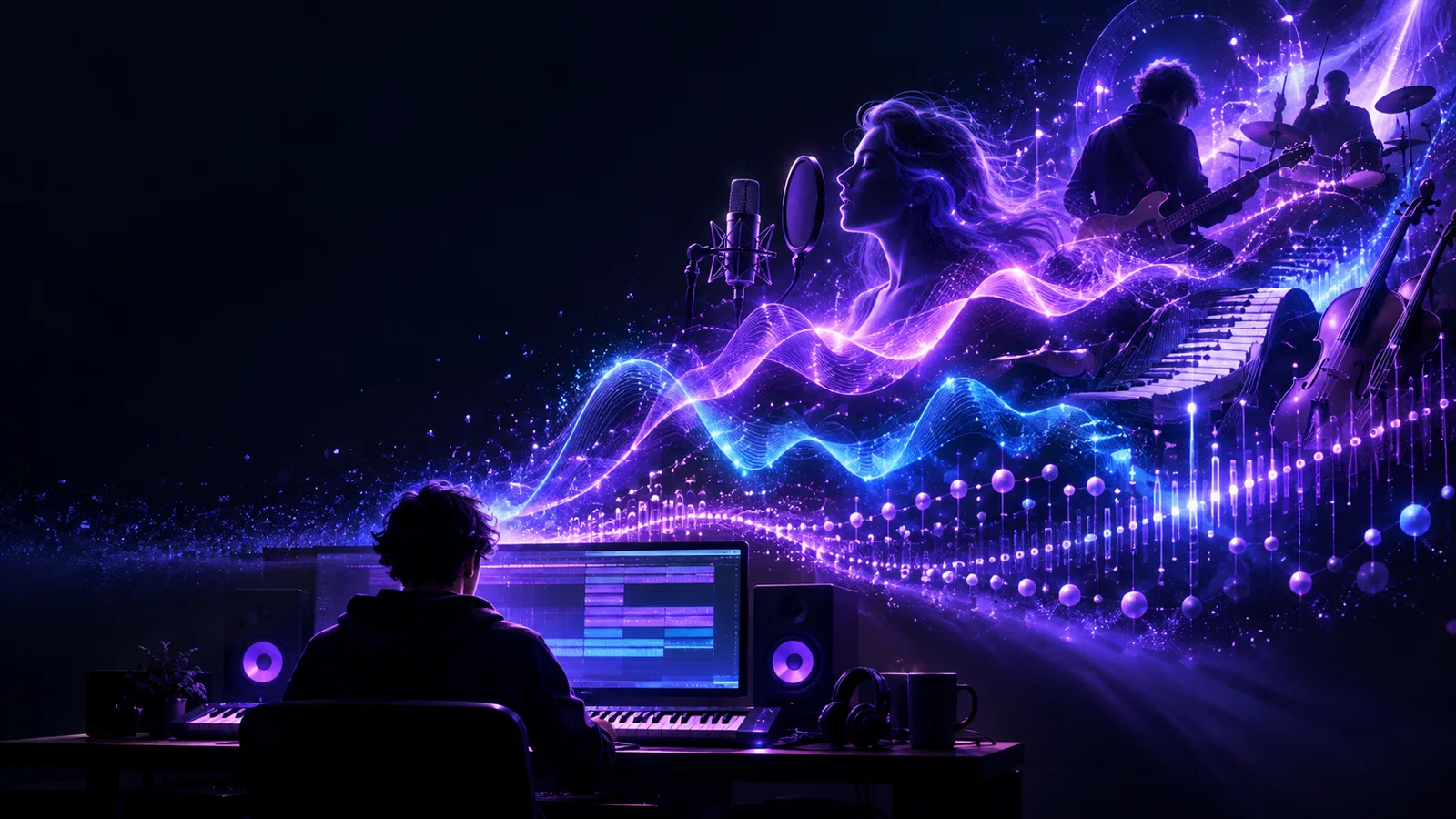
Creative visual for planning a music-led video

This entry point versus a general music idea

A vocal-first request asks for more than a mood or beat. These related paths separate the voice, visual, and evaluation questions before you choose a tool.

The three things a vocal-first brief adds

Start by specifying the performance, not just the genre. These steps also give you a practical way to begin a visual concept for ai songs with vocals.

  1. 1

    Describe the voice

    Choose a broad vocal character, such as airy, intimate, or energetic. Avoid requesting a recognizable real singer’s voice; an original character gives the idea its own identity.

  2. 2

    Write for intelligibility

    Supply a short lyric theme or draft and identify the lines that must be easy to understand. Listen for swallowed words, awkward phrasing, and a melody that clashes with the syllables.

  3. 3

    Connect sound to visuals

    Describe the scene, pacing, and emotional turn you want alongside the track. For ai songs intended for video, a clear visual brief helps you assess whether the result supports the vocal rather than distracting from it.

How to start without assuming too much

Before you commit to a concept, check the tool’s current features and terms. A vocal-focused prompt cannot resolve these limits on its own.

A prompt cannot guarantee vocals

Some tools make instrumentals, some accept existing audio, and others may offer vocal generation. Aisongs does not present every destination as a vocal generator.

Workaround

Confirm that the tool explicitly supports the output you need before refining lyrics or a singer concept.

Free access does not define usage rights

A free entry point, if offered, says nothing by itself about downloads, publication, commercial use, or ownership of ai songs.

Workaround

Read the applicable plan and license terms for the exact service and output before publishing.

Natural delivery is not automatic

Vocals may sound indistinct, change character between lines, or sit poorly in the mix. Written prompts cannot ensure consistent pronunciation or a polished master.

Workaround

Review a complete playback against your lyric draft, and revise the brief or source audio where the tool permits.

Limits of vocal-first and general prompts

This comparison is about how to brief and judge an output, not a claim that a particular tool provides every feature listed.

Vocal-first brief
General music brief

Starting detail

Vocal-first brief

Voice character and lyric theme

General music brief

Mood, tempo, and instrumentation

Main listening test

Vocal-first brief

Can listeners understand the words?

General music brief

Does the arrangement fit the intended mood?

Identity concern

Vocal-first brief

Avoid imitating a real performer

General music brief

Avoid copying a recognizable composition

Video planning

Vocal-first brief

Time visuals to phrases and emotional shifts

General music brief

Time visuals to sections and rhythmic changes

Common weak point

Vocal-first brief

Unclear diction or inconsistent vocal tone

General music brief

Repetitive structure or an unfocused mix

Useful revision

Vocal-first brief

Shorten lines and clarify the desired delivery

General music brief

Specify contrast between sections

Take a vocal concept into video

Give the voice a visual direction

A short brief can connect the lyric, performance, and scene you have in mind. Explore the available video workflow, then verify its current inputs, outputs, and access terms before relying on it for ai songs with vocals.

Explore video creation
  • Keep the singer concept original
  • Describe the scene as clearly as the sound
  • Review available features before publishing

Questions about vocal music generation

That depends on the specific service and its current access terms. Some tools generate audio, while others focus on visuals or work from audio you provide. Check the listed inputs and outputs before treating one service as an all-in-one solution.

Describe the delivery in broad terms, such as soft, bright, restrained, or forceful, then add the lyric theme and musical setting. Avoid naming a real singer as a voice target. A short, original brief is easier to evaluate than a long list of conflicting instructions.

It can vary from convincing to noticeably synthetic, even within one track. Listen closely to pronunciation, breaths, pitch changes, and consistency between sections. A polished backing track does not necessarily mean the vocal is ready to publish.

You can plan a video around a vocal track, but permission to publish depends on the track’s source and the relevant service terms. Check rights for the composition, lyrics, voice, and any supplied audio separately. Also confirm what the video tool accepts before preparing the final edit.

Start creating
Start creating