Client video editor
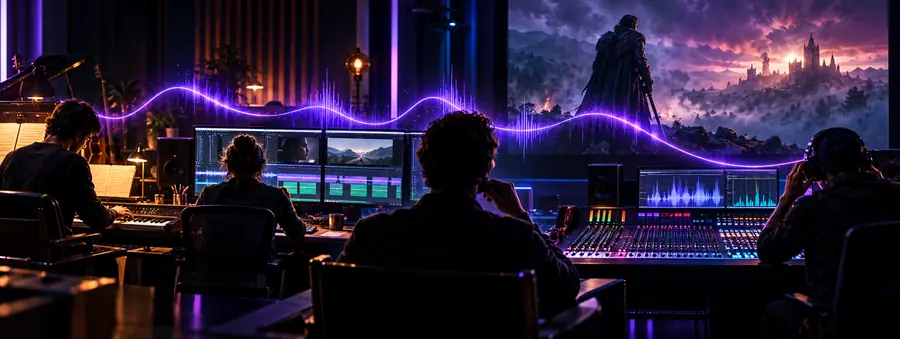
An editor considers an AI-generated bed for a paid brand video.
Confirm that the applicable terms permit client work, then keep a copy of those terms with the project files.
are ai songs legal?Commercial use
The answer depends on the music, how it was made and where you plan to publish it. Aisongs offers a practical way to check permissions before you put a track in a video, ad or client project.

Commercial video teams traditionally commissioned music, licensed a recording or chose a track from a library. Each route came with permissions to check before release.
AI-generated tracks add another sourcing option, not an automatic license. These creators still need a record of what they may use and where.
An editor considers an AI-generated bed for a paid brand video.
Confirm that the applicable terms permit client work, then keep a copy of those terms with the project files.
are ai songs legal?A filmmaker needs music for a festival cut and a later online release.
Check both distribution plans; a track described as usable is not necessarily free of other rights claims.
ai music copyright freeA monetized channel adds generated music under a narrated video.
Check the track's permitted uses and retain evidence in case the platform flags the upload.
ai songs for youtubeA producer tests a generated vocal that resembles a known performer.
Avoid assuming permission to imitate an identifiable voice; consider a distinct vocal instead.
ai songs vs artistsA generated track may not have the familiar paperwork that accompanies a commissioned score or licensed recording. Make the rights check an explicit production step.
Record the generator, account or provider, creation date and any samples, uploaded audio or reference material used.
Check the terms for that track and use case, including commercial distribution, client delivery, attribution and restrictions on voices or samples.
Keep the track, relevant terms and permission records together. Recheck requirements before a new campaign, platform or territory is added.
A video team may move from selecting a pre-licensed track to evaluating generated music. The production shortcut changes; the need to verify usage rights does not.
 Licensed-track workflow
 Generated-track workflow
Starting point
Licensed library track
A catalog listing identifies a particular recording.
AI-generated track
A generator or provider supplies the output.
Permission to check
Licensed library track
The license for the selected track and intended project.
AI-generated track
The provider's applicable terms and any separate permissions.
Source material
Licensed library track
Check license exclusions and any additional supplied material.
AI-generated track
Check prompts, uploads, samples and reference audio.
Vocals
Licensed library track
Confirm the license covers the recording's intended use.
AI-generated track
Check whether a voice resembles an identifiable person.
Client handoff
Licensed library track
Provide the license record and relevant restrictions.
AI-generated track
Provide terms, creation details and relevant permissions.
Later reuse
Licensed library track
Confirm the license covers the new campaign or placement.
AI-generated track
Recheck terms and rights for the new use.
A page about commercial use cannot clear a particular song for you. The decisive details are in the track's provenance, permissions and intended placement.
The fact that music was generated with AI does not establish that every commercial use is permitted.
Workaround
Read the applicable provider terms and obtain any additional permissions your project needs.
An upload may receive a platform claim even when you believe you have permission.
Workaround
Keep dated terms and creation records so you can respond with the relevant evidence.
Rights questions can vary with source material, contracts, jurisdiction and the way a track is used.
Workaround
Ask a qualified professional to review high-stakes releases or unresolved rights questions.
Once you have checked the rights for your chosen audio, explore a video workflow for your project. Visiting the creation tool does not grant permission to use a particular track.
Explore video creationPossibly, but first check the terms that apply to the specific track and provider. Confirm that client delivery and the video's planned distribution are permitted, and check any uploaded material or recognizable voices for separate rights issues.
Payment alone does not tell you what uses are allowed. Read the applicable terms for the account and output, including any restrictions or conditions that apply to commercial projects.
Check that your permission covers the video and its monetized distribution. Keep your terms and creation records, since an upload can still encounter a platform claim.
Do not assume a generator's output gives you permission to use or imitate an identifiable person's voice commercially. Seek appropriate authorization or choose a voice that does not evoke a particular performer.
No. The output's status and your permission to use it are different questions, and both can depend on the facts and applicable terms. Avoid treating a “copyright-free” label as a substitute for checking the actual conditions.