Aisongs

Music-led visuals

Explore ai music video generator free options for your track

An ai music video generator free search can lead to very different tools: some make moving images, while others help develop scenes or edit footage. Start with the sound and the story you want viewers to see. Aisongs can help you frame a video concept, but the destination’s current features and access terms determine what you can make.

Check access terms at the destination
Music-inspired creative imagery

One track, several creative starting points

An ai music video begins with choices about the soundtrack, performance, and visual brief. These related guides help you decide which part needs attention first.

Three mechanisms behind a music-led video

A useful brief separates what the viewer hears, what appears on screen, and where the cuts belong. That makes an ai music video easier to plan and assess.

  1. 1

    Read the track’s shape

    Mark the intro, verses, chorus, and ending. Note changes in energy, instrumentation, or lyrics that could justify a new setting or camera movement. If you do not have a finished track, describe its intended sound rather than assuming a video tool will create the audio too.

  2. 2

    Choose a visual language

    Pick a subject, setting, palette, and point of view that can remain recognizable across scenes. A rainy city and a single travelling character, for example, give an ai music video a clearer identity than a list of unrelated effects.

  3. 3

    Plan cuts around moments

    Assign visual changes to musical cues: a wide shot for the opening, closer framing as the verse builds, and a stronger reveal at the chorus. Treat this as an editing plan, not a promise that any generator will automatically synchronize every cut.

Step-by-step: turn a track into a scene brief

First listen for the song’s turning points. Then write one recurring visual idea and map two or three scene changes to those moments. Finally, compare any result with the track and revise the brief where mood or timing drifts.

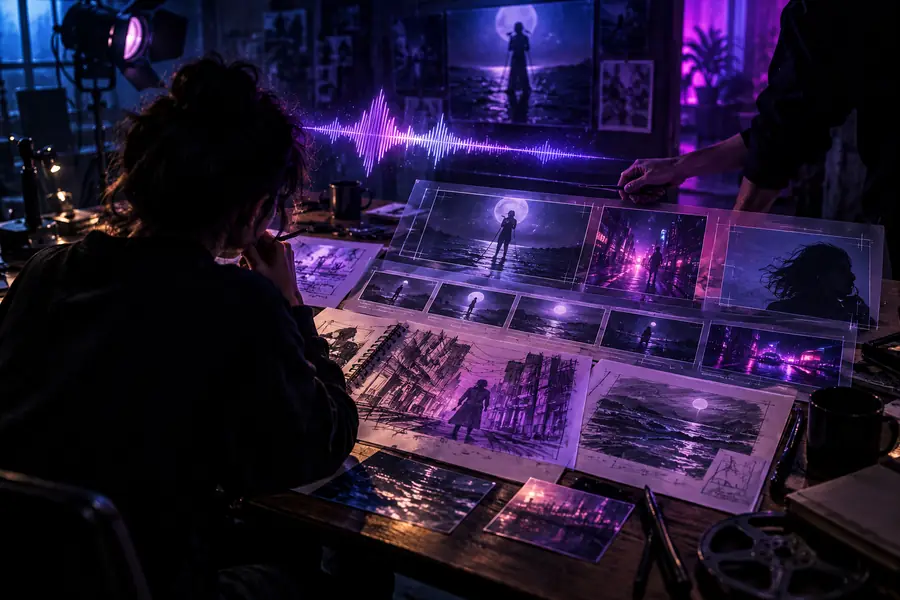
Illustrative film-production scene representing an initial visual idea Initial scene idea
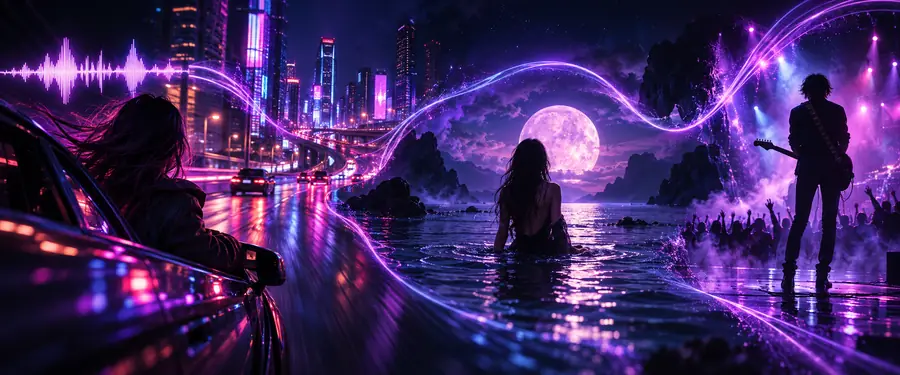
Illustrative music-video concept representing a developed visual direction Music-led direction
These images illustrate a planning shift, not a verified before-and-after output from the destination. For an ai music video, check the actual result against your soundtrack before publishing.

Limits worth checking before you create

The word free in a search does not establish a tool’s current terms. Check the destination and your rights before committing a track or footage to a project.

Free access is not assured

An ai music video service may restrict generation, exports, resolution, or usage under its current plan. Aisongs cannot verify those terms for the destination from this page.

Workaround

Read its access and export conditions before preparing a full project.

Audio and video may be separate

A visual generator may not produce a song, accept an audio upload, or cut scenes precisely to the beat. A polished-looking clip does not prove it is synchronized.

Workaround

Prepare a time-coded scene brief and allow for editing after generation.

Rights do not come with the prompt

Using an existing song, a recognizable performer, or borrowed footage can raise permission questions regardless of how the visuals were made.

Workaround

Use material you are authorized to use and review the destination’s terms for your intended release.

Continuity may need revision

Characters, clothing, and locations can change between generated shots. That can make a story hard to follow even when individual frames look compelling.

Workaround

Keep a short reference brief and check each scene against it.

Take a clear concept to the next step

Start with the scene you can picture

Describe the track’s mood, a recurring subject, and the musical moment that should trigger the biggest visual change. Take that brief to the destination, then check its available tools and terms before making an ai music video.

Explore video creation
  • Name the soundtrack’s key moments
  • Keep the visual idea consistent
  • Verify access and usage terms

Questions about music video generation

That depends on the destination’s current access terms, which this page does not establish. Check whether creation, previews, exports, or particular uses have separate restrictions before you start.

Not necessarily. Some workflows begin with an existing track and focus on visuals; others may offer audio tools. Check which inputs and outputs the destination actually supports rather than assuming one prompt produces a finished song and video.

Identify the track’s main transitions and describe a visual change for each one. Review the resulting timing against the audio, because a scene that fits the mood may still need manual trimming or editing to land on the beat.

Public use depends on the rights to your music and source material, as well as the destination’s terms. Check permissions for recognizable people, footage, and any track you did not create before posting.

Start creating
Start creating